IOS · CLASH MI
77Speed iOS Clash Tutorial (Beta)
From non-China Apple ID to connection · about 5 minutes
1Download the app
Reliable proxy apps have been removed from the Apple App Store China region. To use our service on iOS, download a third-party client from a non-China App Store region.
① Sign out of the current Apple ID
Open the App Store, tap your avatar, scroll to the bottom, and sign out.
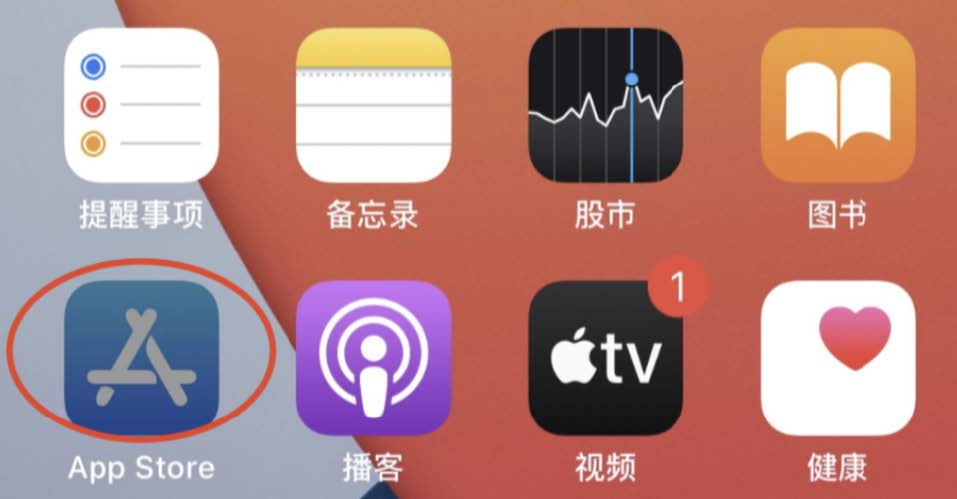
▲ Open App Store avatar
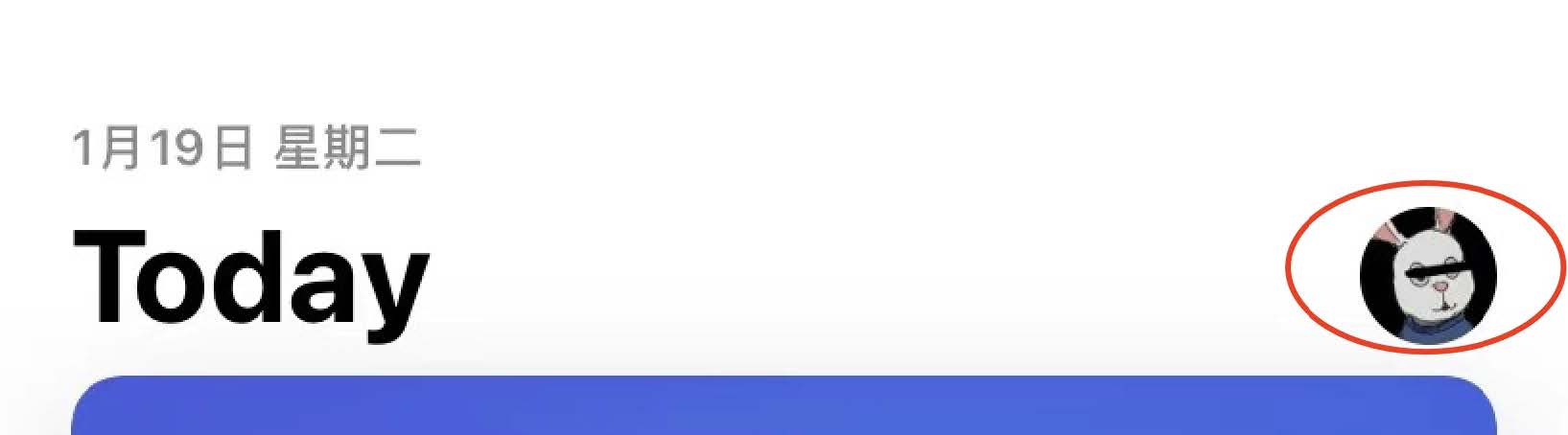
▲ Scroll to bottom
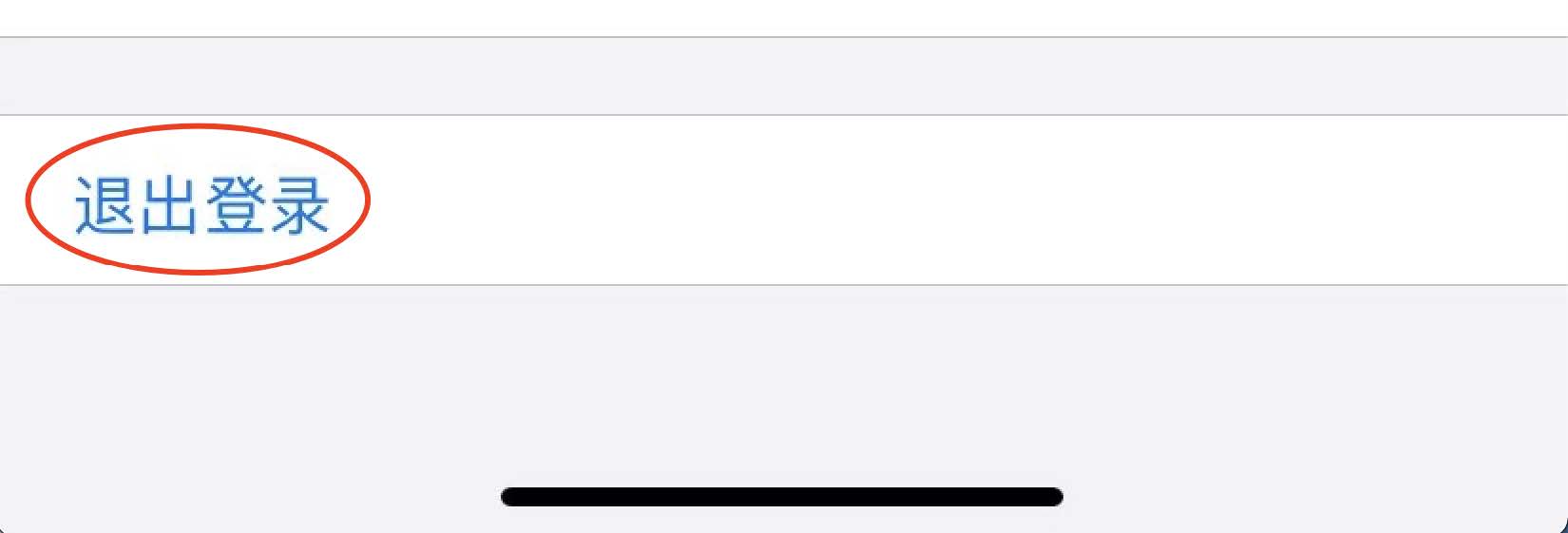
▲ Sign out
② Sign in with a non-China Apple ID
After signing out, sign in again with the provided non-China Apple ID and password.
⚠️ Note: Accounts in screenshots are examples only. The correct Apple ID and password will be emailed after you purchase a plan.
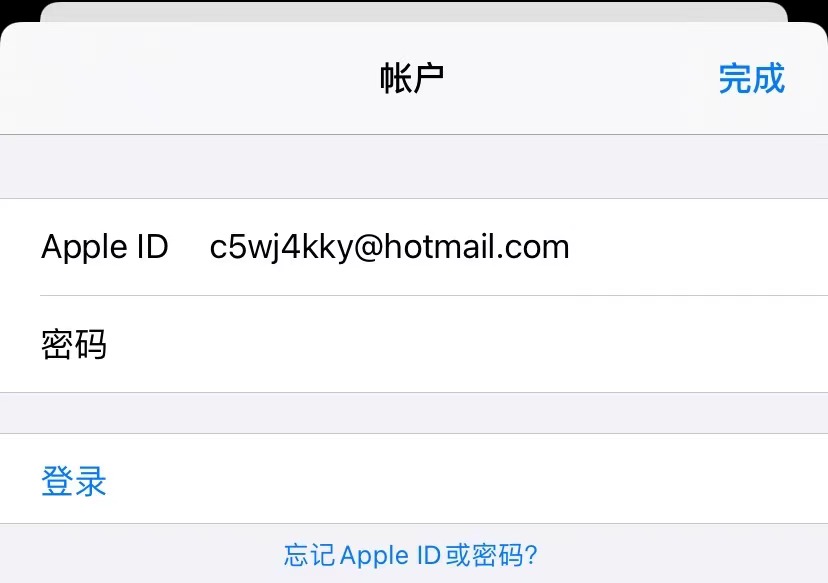
▲ Sign in with non-China Apple ID
⚠️ Security tip: If Apple ID security prompts appear, choose “Other Options” → “Don’t Upgrade”. If you bind your own phone number and suffer account/property loss, you are solely responsible!!
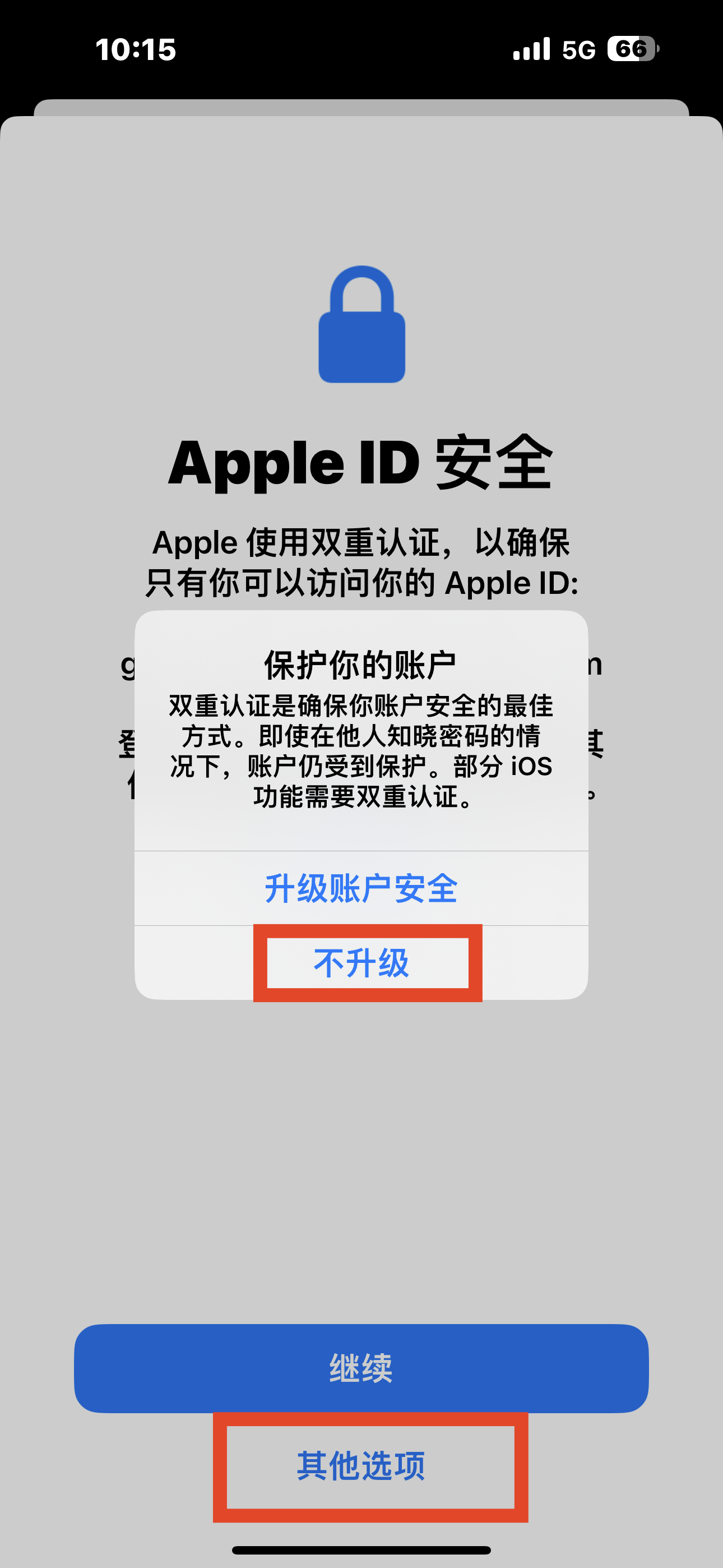
▲ Choose “Other Options” → “Don’t Upgrade”
③ Download Clash Mi
After signing in, search the App Store for Clash-Mi and download it.
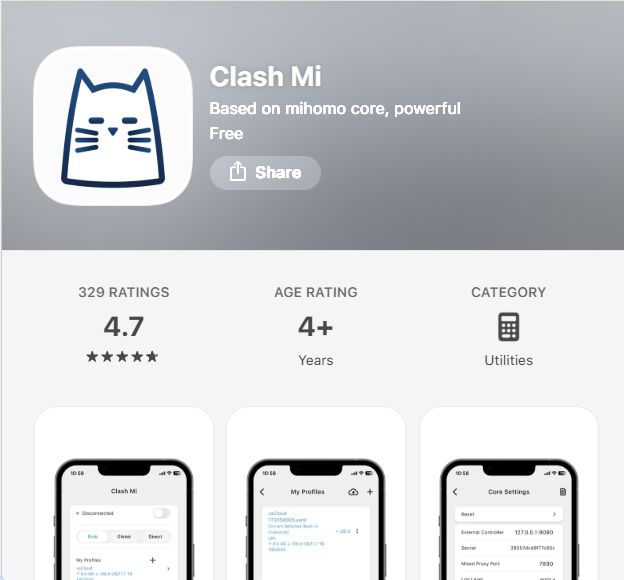
▲ Search and download Clash Mi
2How to use
① Copy the Clash subscription URL
Open https://www.qiqi.cat, sign in, open your client area, then tap the plan you purchased. Under Subscription Info, copy the Clash URL.
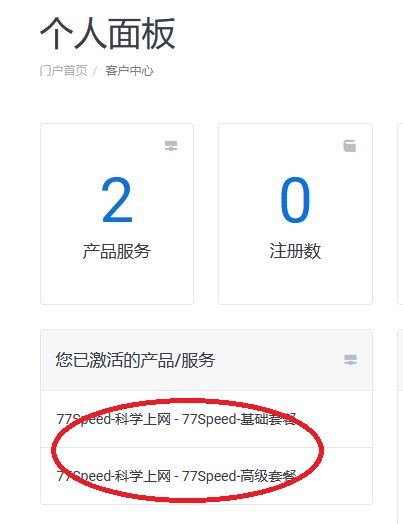
▲ Plan page
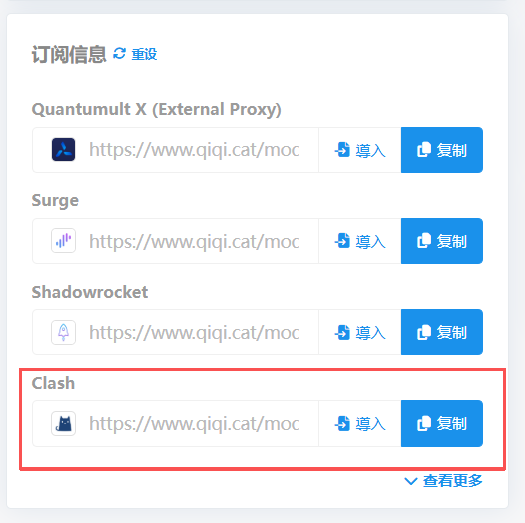
▲ Copy Clash URL
② Add profile link
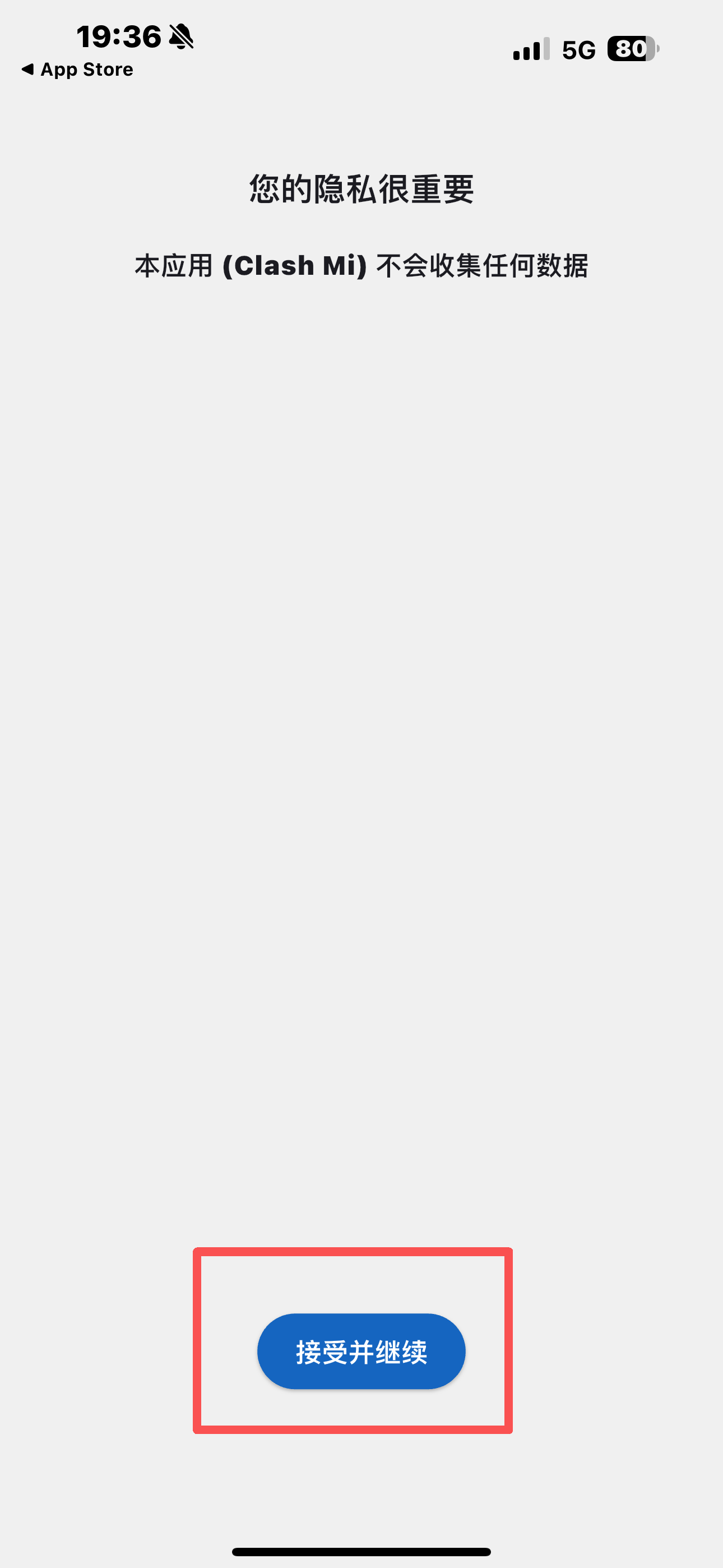
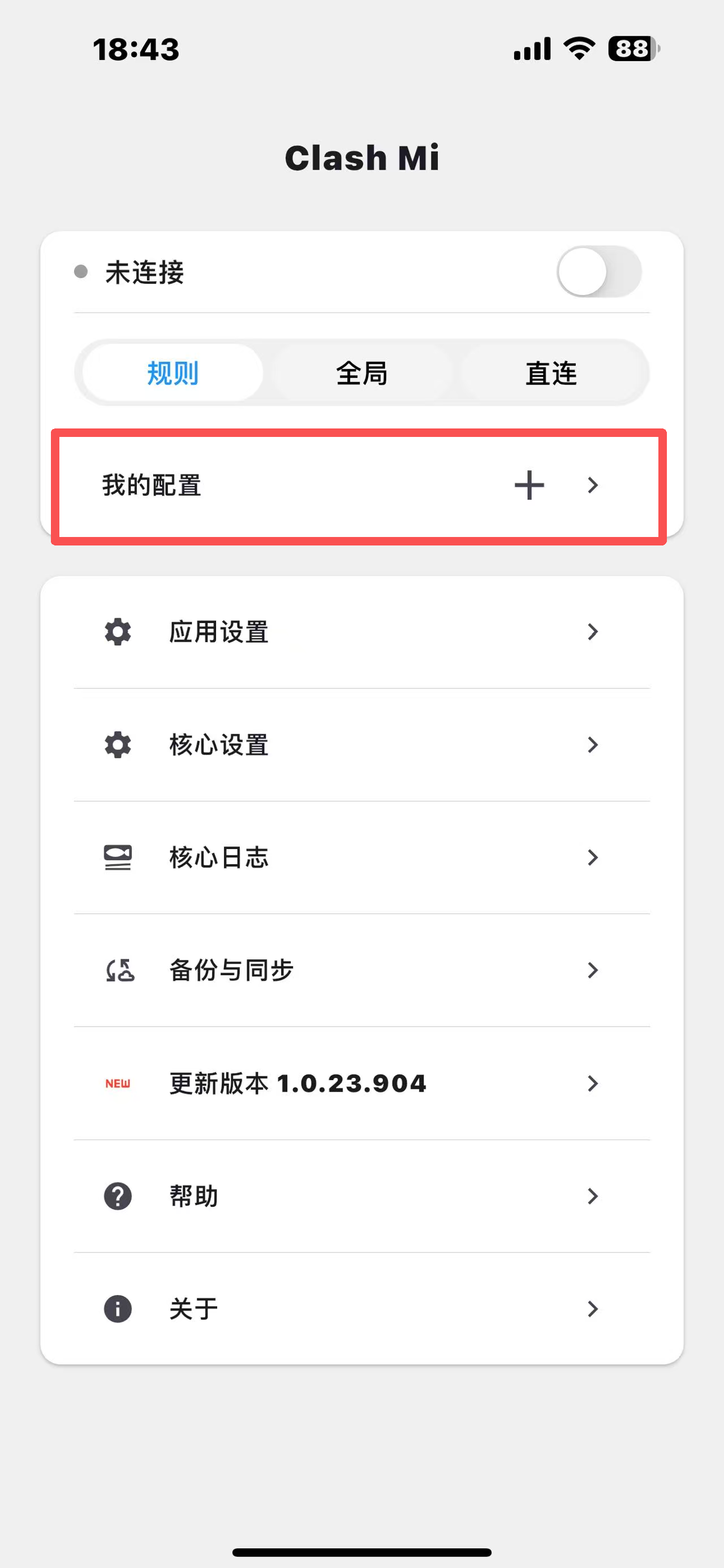
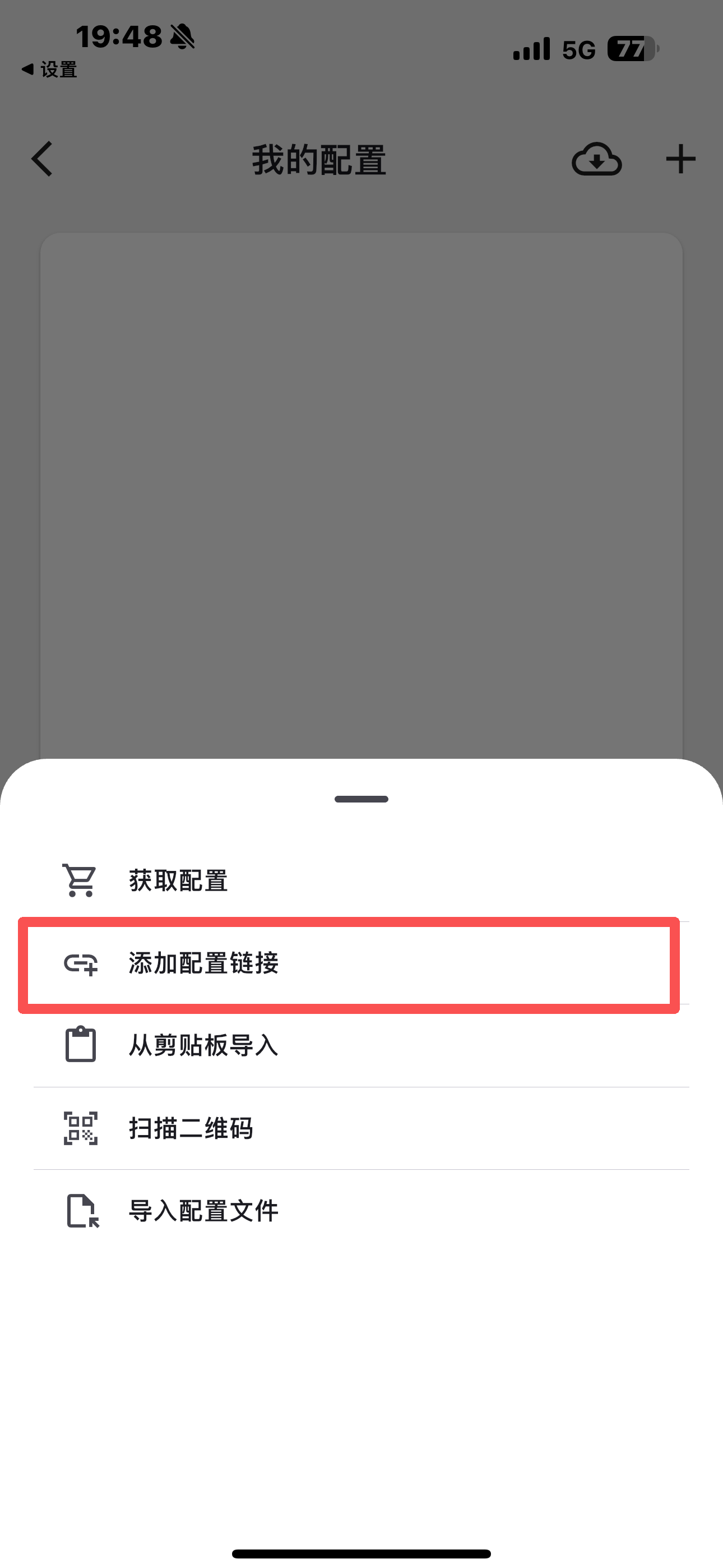
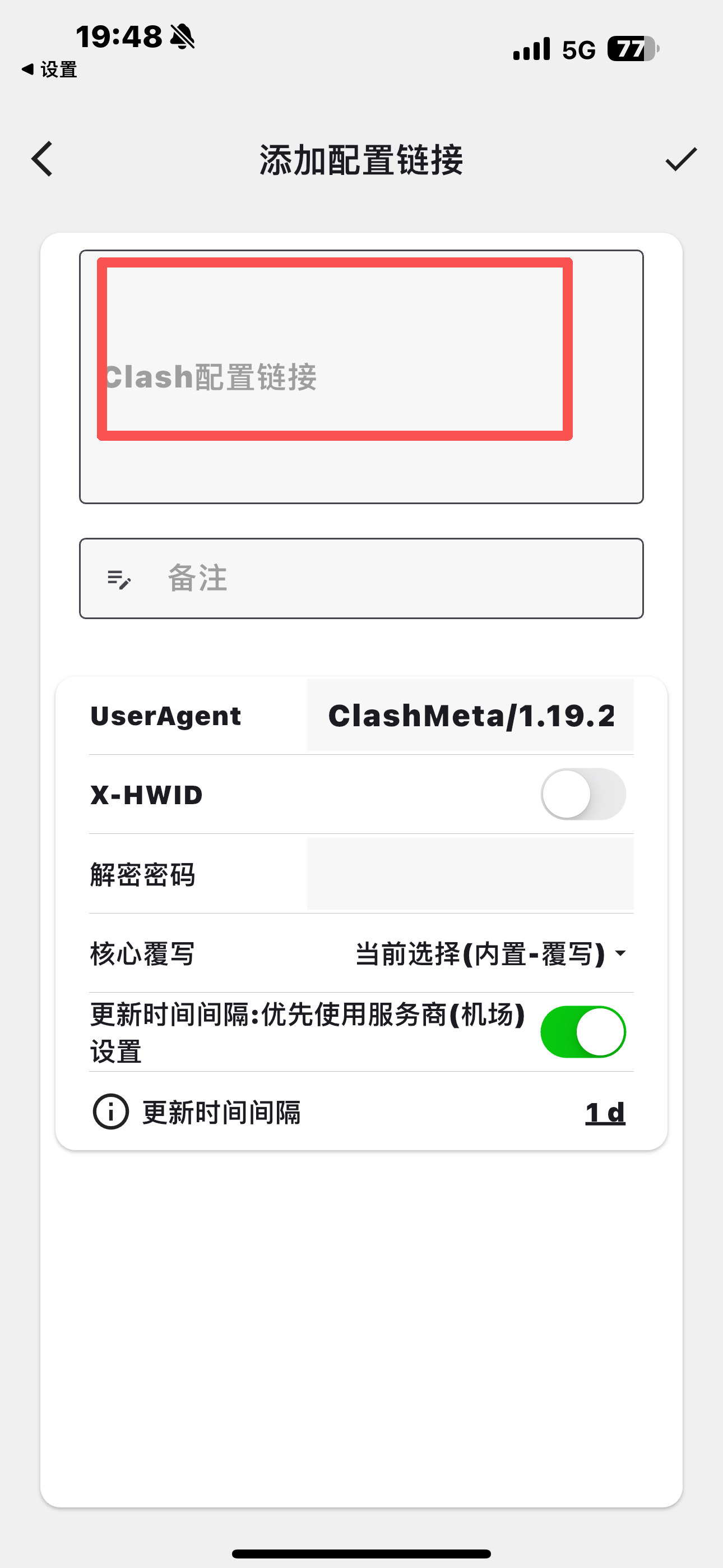
Open Clash Mi and tap My Profiles on the home screen (grant all permissions during install or it may not work). Add a new profile, choose Add Profile Link, paste the profile link from the website, save, then return to the home screen.
▲ Tap My Profiles
▲ Add new profile
▲ Choose Add Profile Link
▲ Paste profile link
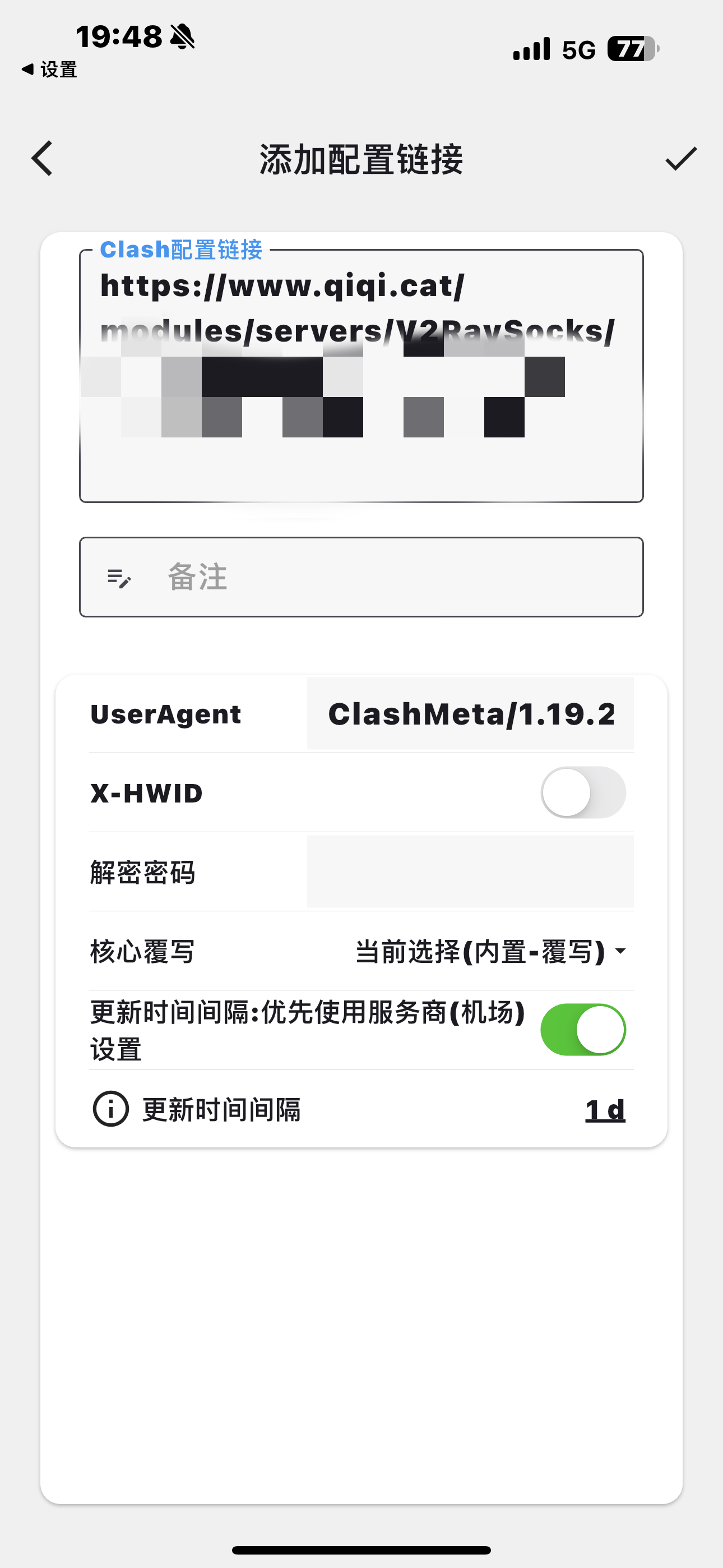
▲ Save profile
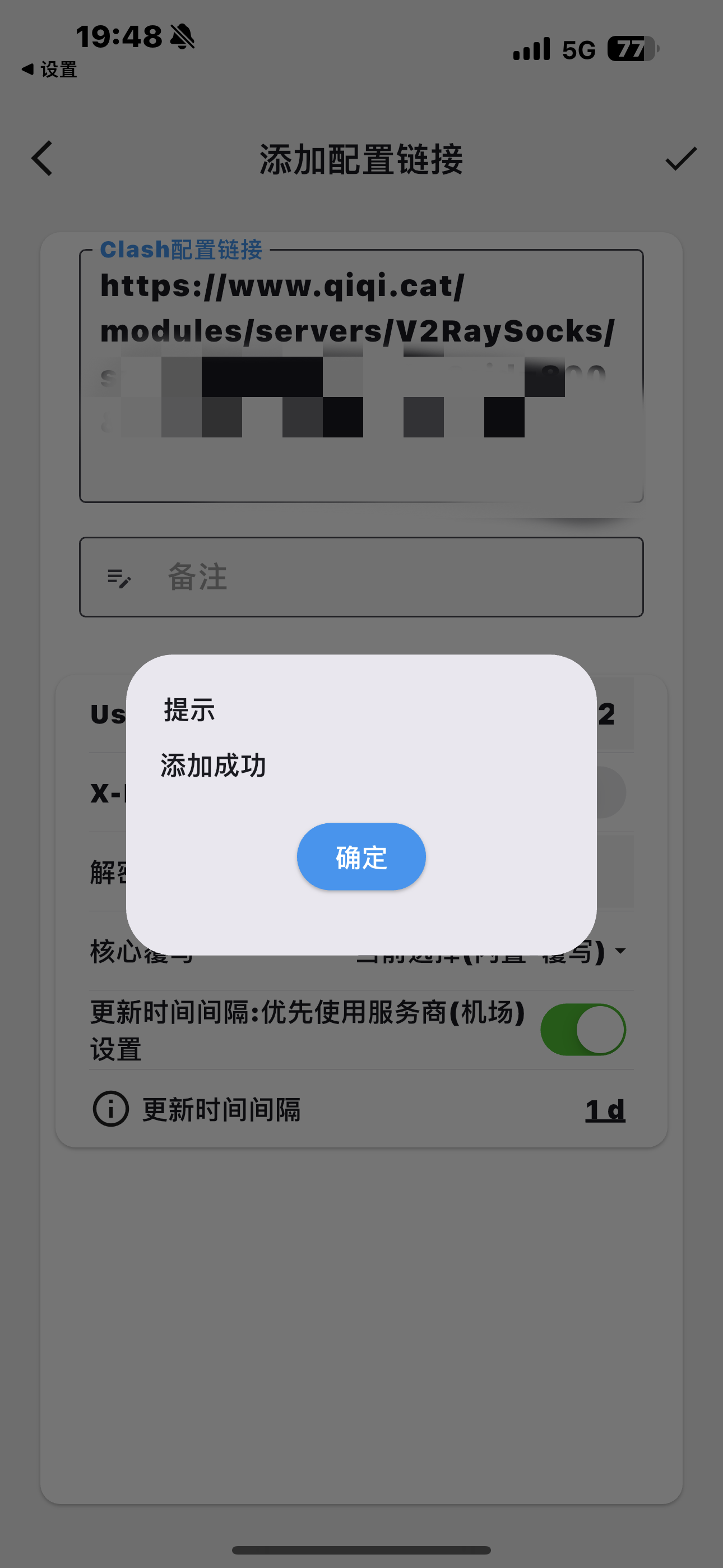
▲ Return to home
③ Connect and switch nodes
Tap the small button at the top-right of the home screen to connect. To change nodes, tap Proxy on the home screen.
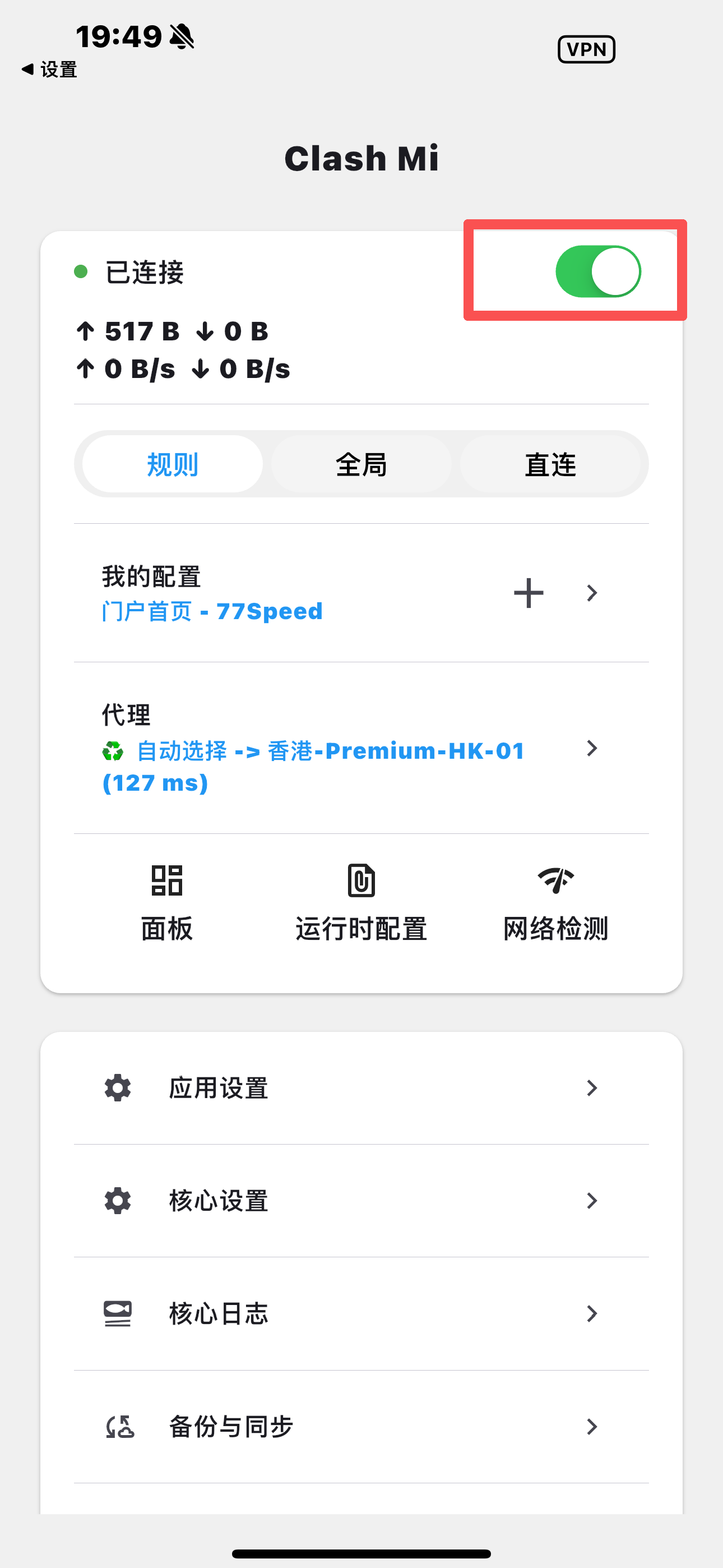
▲ Tap top-right to connect
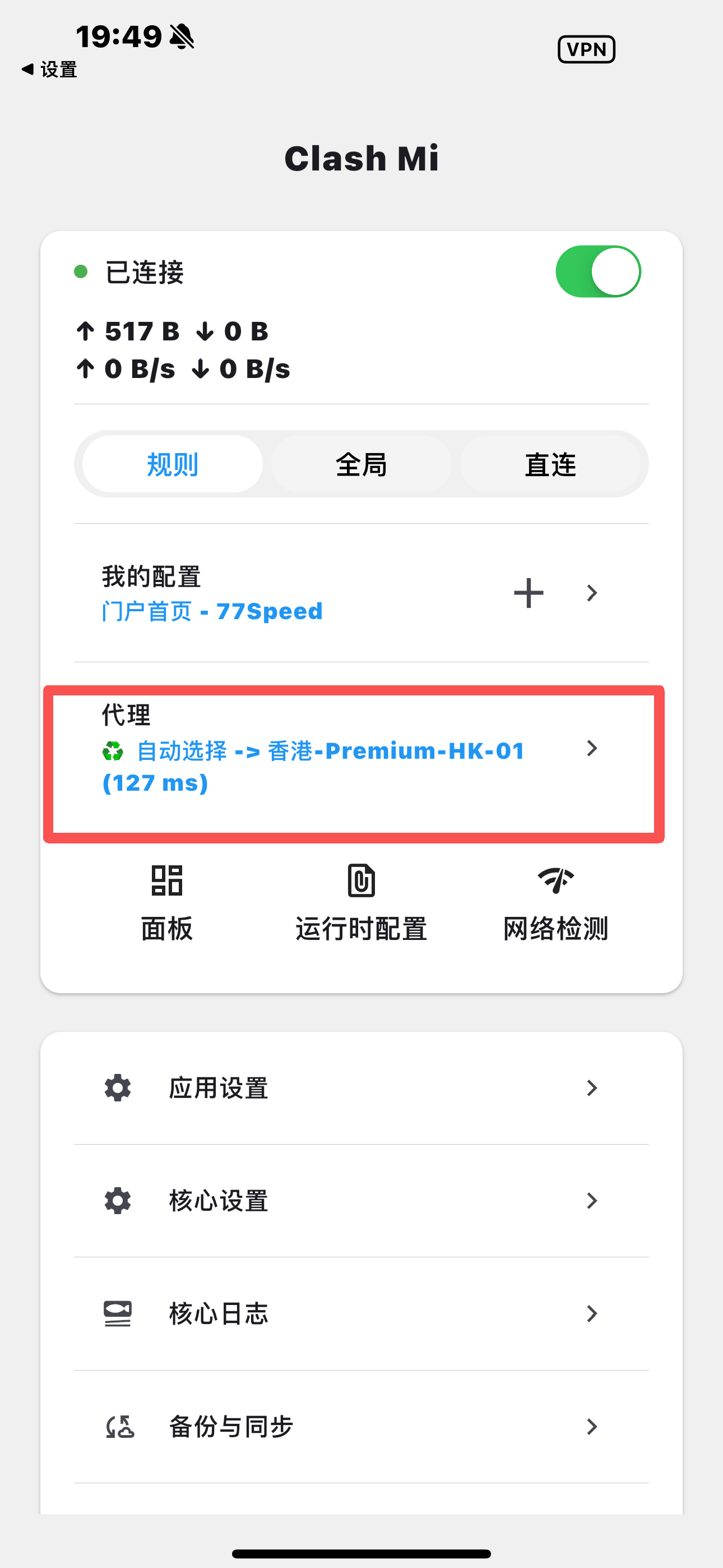
▲ Change nodes under Proxy
Tips
✔ You must use a non-China Apple ID to download Clash Mi
✔ Copy the website “Clash” URL, not the Shadowrocket URL
✔ Grant all permissions on install / first launch
✔ Still stuck? Open a ticket or contact live support